More posts
/
/
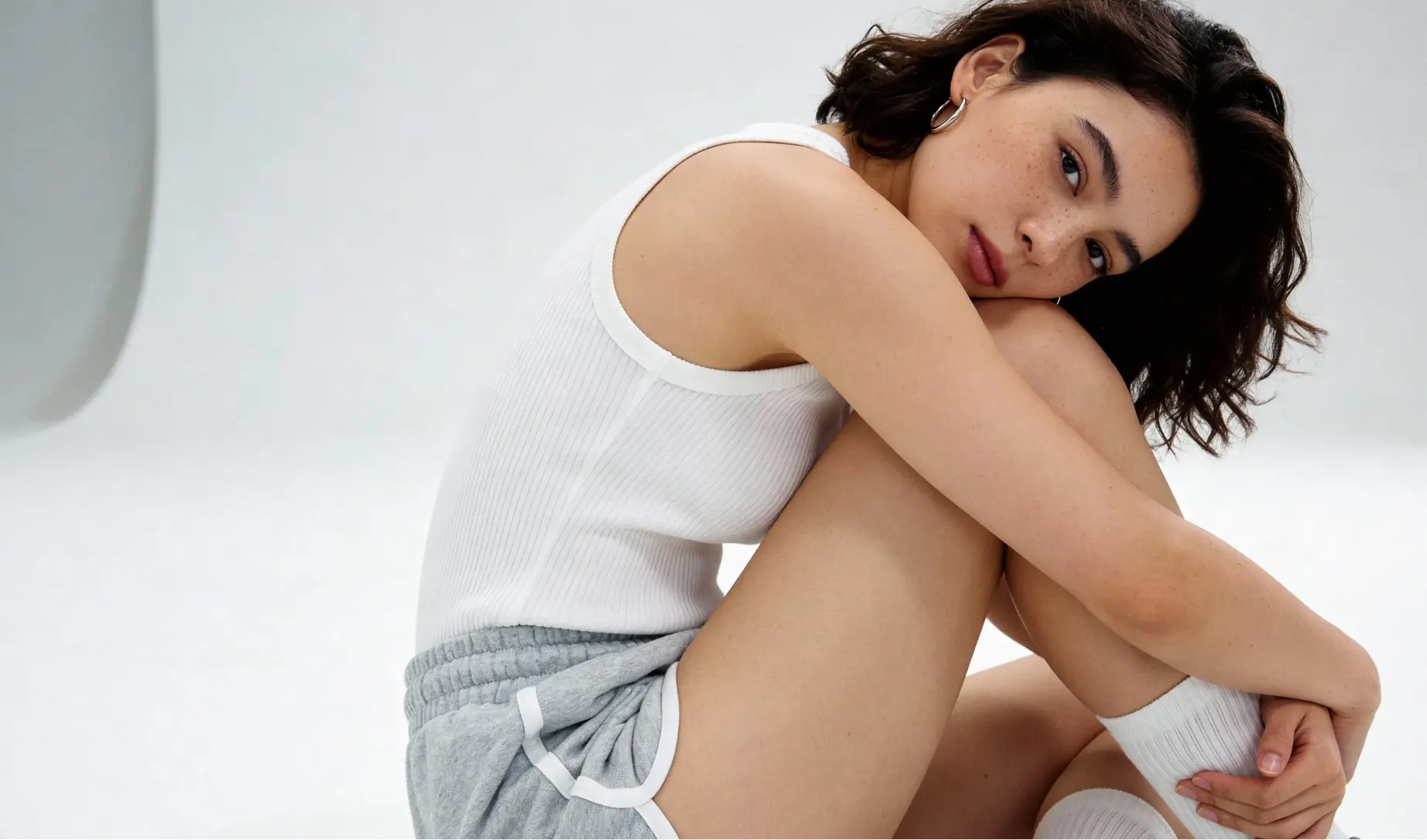
Step-by-Step Framework for AI Human Image Creation
This is a foundational framework for building high-quality AI humans—the kind you see in professional advertising, UGC videos, and premium content.
Keep in mind that anything you don’t explicitly include in your prompt will be guessed by the LLM. The goal is to reduce that guesswork as much as possible to improve consistency and output quality.
1. Subject (The Foundation)
Start broad: Who or what is in the image?
Define the type of human: gender, age, ethnicity, physique, style.
Mention pose or activity (standing, sitting, walking, etc.).
Example: “A young woman in her late 20s with an athletic build, sitting on a wooden bench in an urban park.”
2. Detail (The Specifics)
Clothes: fabrics, colors, style, accessories.
Hair: length, texture, colour, styling.
Face: eye colour, makeup, expression.
Skin: tone, texture, freckles, tattoos, scars, piercings.
Extra objects: props they’re holding, environment textures.
Example: “She wears a cream silk blouse with soft folds, light wash denim jeans with a frayed hem, and minimal gold jewellery. Her hair is shoulder-length, wavy, deep chestnut brown with sun-kissed highlights. Soft natural freckles across her nose.”
3. Aesthetic (The Overall Style)
Define the visual vibe: futuristic, editorial, street style, studio, y2k, fantasy, etc.
Example: “A sleek, editorial fashion aesthetic, similar to a Vogue magazine cover.”
4. Lighting (The Atmosphere Builder)
Light type: soft, harsh, natural, spotlight, neon, candlelit.
Light placement: front, back, side, overhead.
Shadows: sharp, soft, moody, diffused.
Example: “Soft diffused natural light coming from the left side, casting gentle shadows across her cheekbones, with subtle golden hour tones.”
5. Camera Position & FX (The Cinematic Layer)
Camera angle: eye level, low angle, bird’s eye, over-the-shoulder, close-up, wide shot.
Subject reaction: looking into camera, candid, posed, unaware.
FX (optional): lens type (35mm, fisheye, telephoto), filters, film grain, bokeh, chromatic aberration.
Example: “Close-up portrait at eye level, subject looking directly into the lens with a confident expression. Captured with a 50mm prime lens, subtle film grain effect, slight golden tint filter.”
6. Mood (The Emotional Layer)
Define the feeling you want conveyed.
Examples: professional, cinematic, romantic, gritty, ethereal, edgy, editorial.
Example: “Mood: professional, elegant, and aspirational – like a luxury fashion campaign.”
Putting It All Together
Once you’ve drafted your messy descriptive paragraph, paste it into any LLM of your choice (ChatGPT & Gemini work best) and use this exact prompt:
“Create me a detailed prompt for an AI image generator: [Insert descriptive paragraph]”
This will polish your text into a clean, ready-to-use prompt for your chosen AI image generator.