More posts
/
/
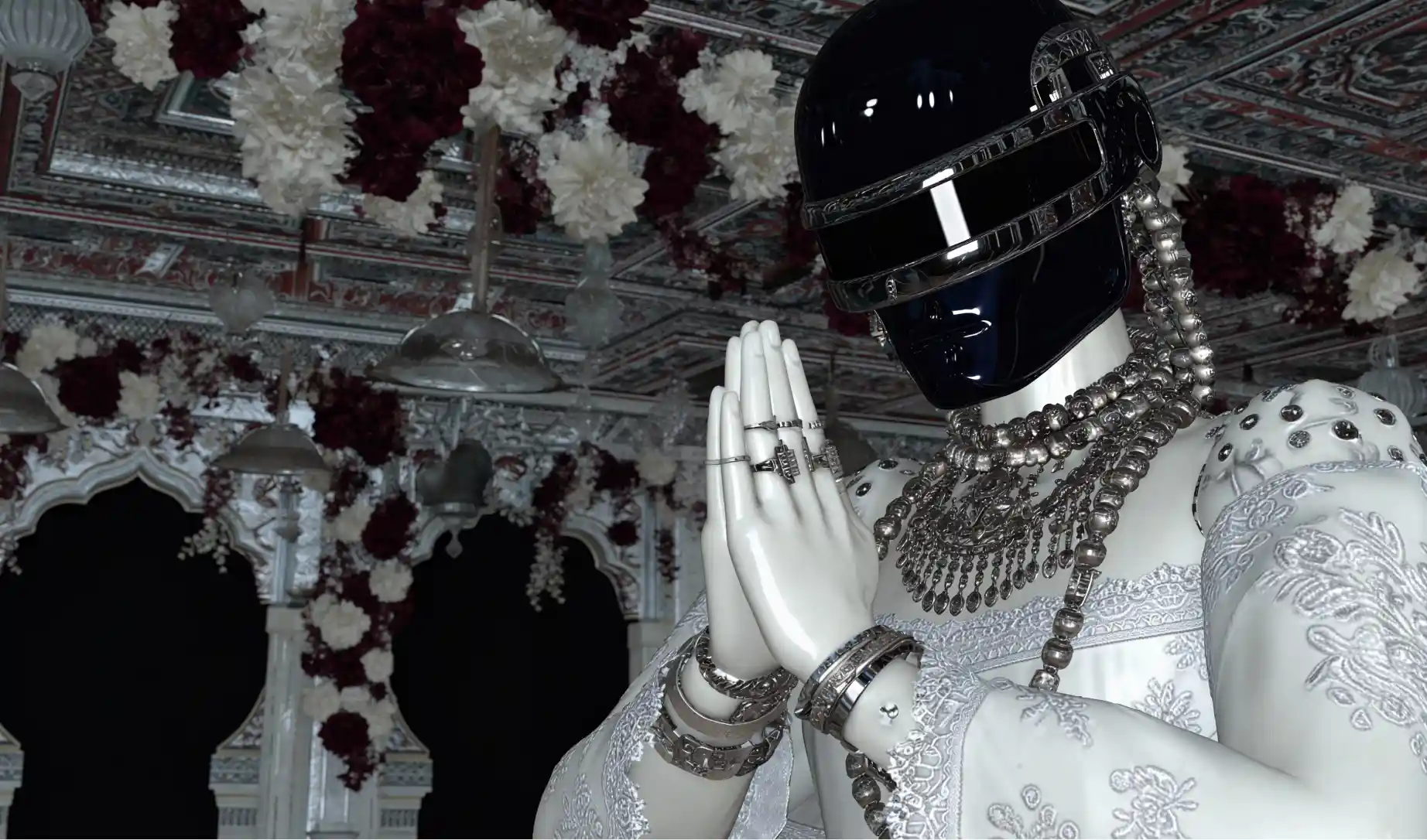
AI does not break brand systems.
Unstructured inputs do.
When brands “fall apart” under AI, it is almost never the model’s fault. It is because the model was never given a clear definition of what the brand is, what it is not, and how decisions are made inside that system.
This guide shows how to build AI systems around existing brands, not over them.
The Core Principle
AI is not creative direction.
AI is a reflection engine.
If you give it vague prompts, it invents.
If you give it structure, references, and constraints, it follows.
Context is the currency.
Step 1: Build Brand Moodboards in Midjourney
Before generating new assets, you must first teach the model what the brand already looks like.
How to do this properly
Use existing brand material only:
Past campaigns
Photography
Product shots
Social posts
UI screenshots
Packaging
Typography samples
Upload these as image references and generate moodboards that:
Do not introduce new styles
Do not “improve” the brand
Do not stylise beyond what already exists
What Midjourney moodboards are doing
They are not producing final assets.
They are helping the model lock onto visual boundaries:
Colour behaviour
Contrast levels
Lighting rules
Composition habits
Texture preferences
Think of this as visual calibration, not creation.
Step 2: Build Concept Explorations with Nano Banana Pro
Once the visual language is anchored, you can safely explore.
Nano Banana Pro is ideal here because it:
Preserves layout logic
Maintains text clarity
Allows controlled edits rather than full regeneration
Use it to:
Mock campaign directions
Explore variations of existing layouts
Test new compositions using old rules
Create internal concept decks
These are presentation assets, not production assets.
Their job is alignment, not scale.
Step 3: Create a Brand Context PDF (This Is Non-Optional)
This is the most skipped and most important step.
You need a single source of truth that both humans and AI can understand.
Your PDF should include:
1. Brand Overview
What the brand is
Who it is for
What it is trying to communicate
2. Visual Rules
Colour usage (primary vs secondary)
Typography behaviour
Layout patterns
Imagery dos and don’ts
Tone of voice
3. Why It Looks This Way
Strategic reasoning
Emotional intent
Market positioning
4. Clear Yes / No Examples
Approved executions
Rejected executions
Edge cases explained
This PDF is not branding fluff.
It is training data.
Step 4: Context Is the First Prompt
If you remember one thing from this guide, remember this:
The first prompt is not an image prompt.
The first prompt is context.
Before asking AI to generate anything, it must:
Read the brand PDF
See reference imagery
Understand constraints
Know what failure looks like
Without this, AI will fill gaps with assumptions.
Step 5: Build AI Systems After Context Is Locked
Once the model understands the brand, you can begin systemising.
Visual Systems
Midjourney generations using brand imagery as reference
Controlled variations, not fresh invention
Reusable moodboards per campaign type
Text Prompt Systems
Use custom LLMs to store and apply brand logic:
Gemini Gems
ChatGPT custom GPTs
Feed them:
Brand PDFs
Copy guidelines
Approved tone examples
Rejected examples
These systems become brand-aware assistants, not generic AI.
Scaling Across Models
Once prompts are curated and tested:
Reuse them across other image or video models
Maintain consistency at scale
Avoid re-teaching the brand every time
Common Failure Points
Brands break when:
No reference images are provided
Prompts are written in isolation
Context lives only in someone’s head
AI is treated like a designer instead of a tool
Final Summary
If you do not want AI to break your brand system:
Give the model context
Define clear boundaries
Show yes and no examples
Anchor everything in real brand material
Build systems after understanding, not before
AI is incredibly consistent when the inputs are.
Most brands fail with AI not because AI is chaotic,
but because the brand system was never properly taught.
This is how you fix that.