More posts
/
/
If you’ve spent any time generating images with Stable Diffusion, you’ve probably heard people say things like “just use a LoRA” — but what does that actually mean?
LoRAs are one of the most powerful tools in modern AI image workflows. They let you teach a model new styles, characters, products, or aesthetics without retraining an entire model from scratch.
In this guide, we’ll cover:
What a LoRA actually is
Why they’re so useful
How to train one (at a high level)
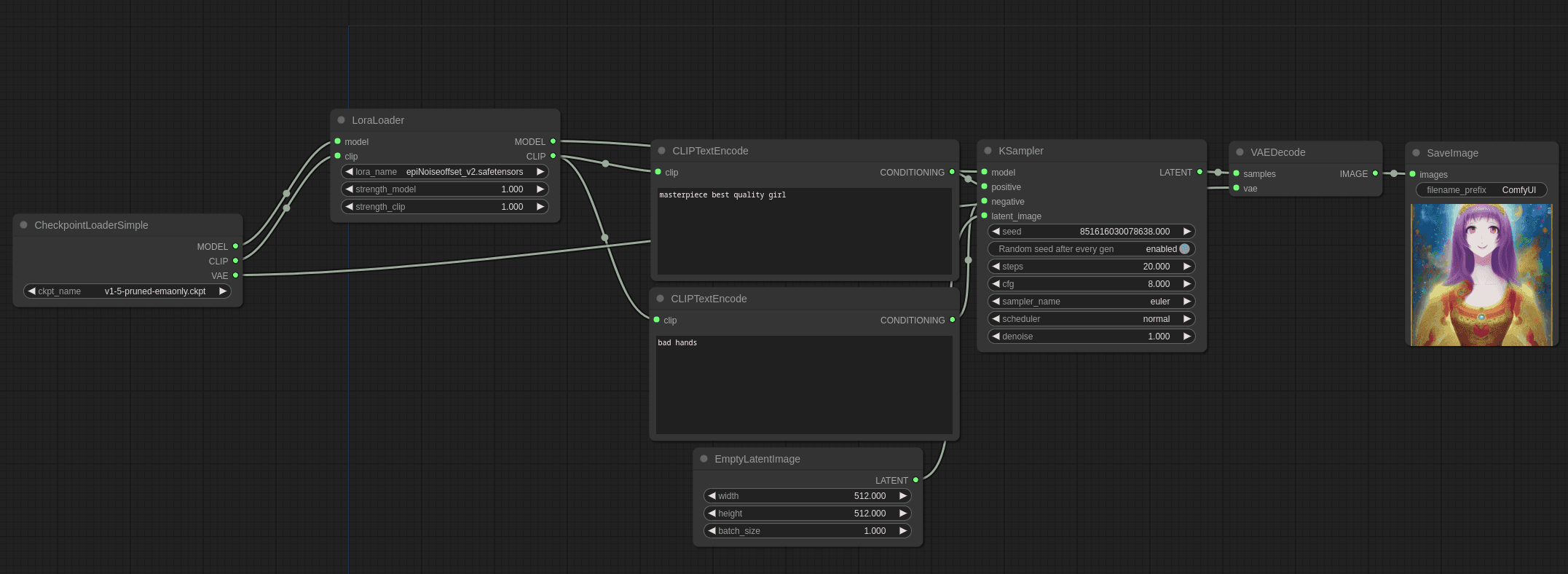
How to use LoRAs inside ComfyUI
Best practices so you don’t accidentally ruin your generations
This is written for beginners and intermediate users, no ML degree required.
What Is a LoRA (in Plain English)?
LoRA stands for Low-Rank Adaptation.
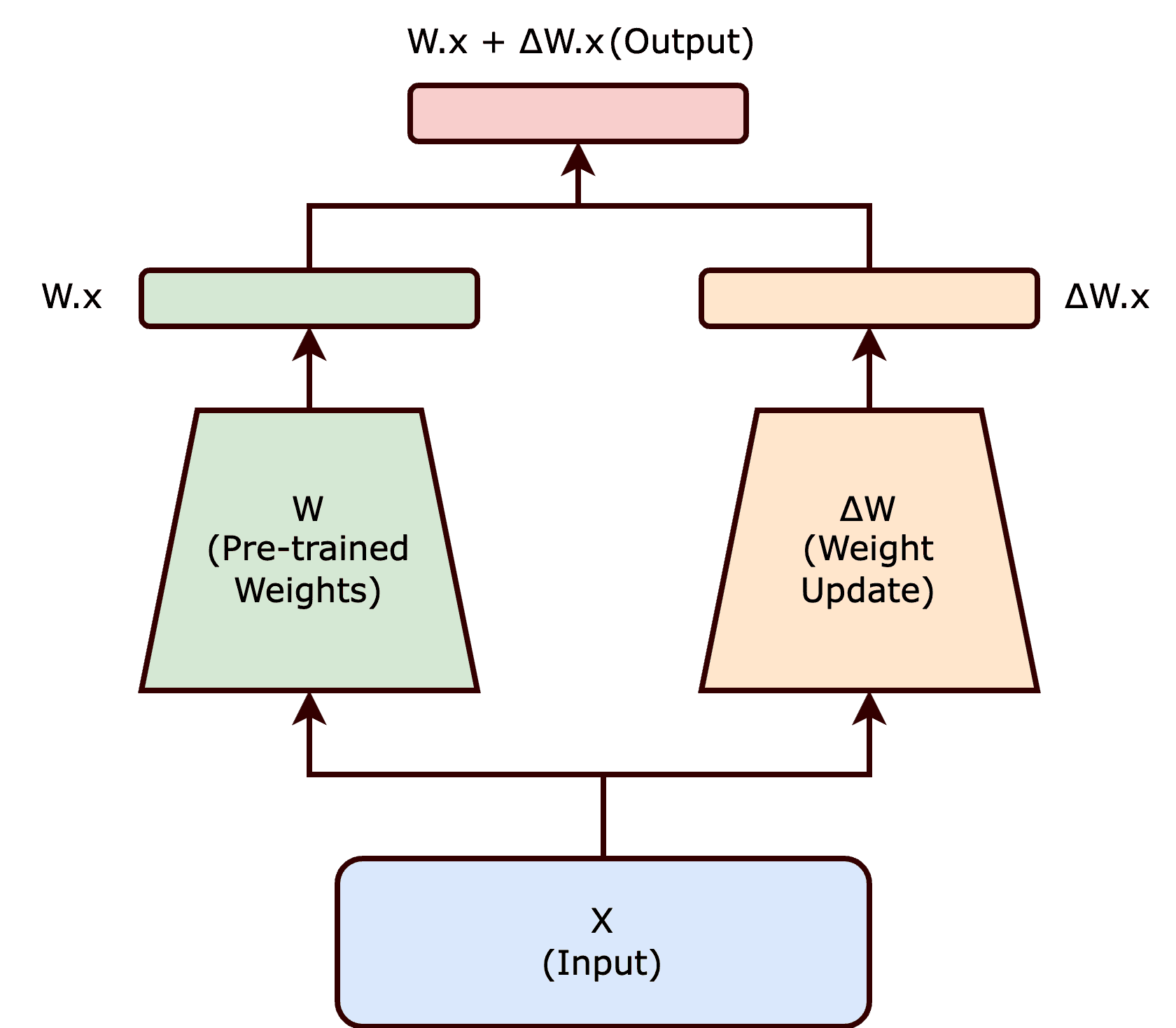
Instead of modifying the entire AI model (which is huge and expensive), a LoRA:
Learns small, targeted changes
Stores only the difference between the base model and your custom style
Can be turned on or off at any time
Think of it like this:
The base model is a blank artist.
A LoRA is a style overlay you can apply whenever you want.
You’re not replacing the artist — you’re giving them a new skill.
Why LoRAs Are So Popular
LoRAs became popular because they solve several big problems at once:
1. They’re Lightweight
A full model can be 2–7GB.
A LoRA is usually 5–300MB.
That makes them:
Easy to share
Easy to version
Easy to stack together
2. They’re Modular
You can mix and match LoRAs:
One for style
One for lighting
One for a specific character or product
All on top of the same base model.
3. They’re Reversible
Don’t like the result?
Lower the LoRA strength
Turn it off
Swap it for another
No permanent damage to your model.
What Can You Train a LoRA For?
You can train a LoRA for almost anything consistent:
Art styles (illustration, 3D, painterly, brutalist, editorial)
Characters or faces
Products (shoes, bottles, watches, packaging)
Clothing styles
Logo aesthetics
Rendering styles (studio lighting, clay render, marble statue, etc.)
The key rule is consistency over quantity.
How LoRA Training Works (Conceptually)
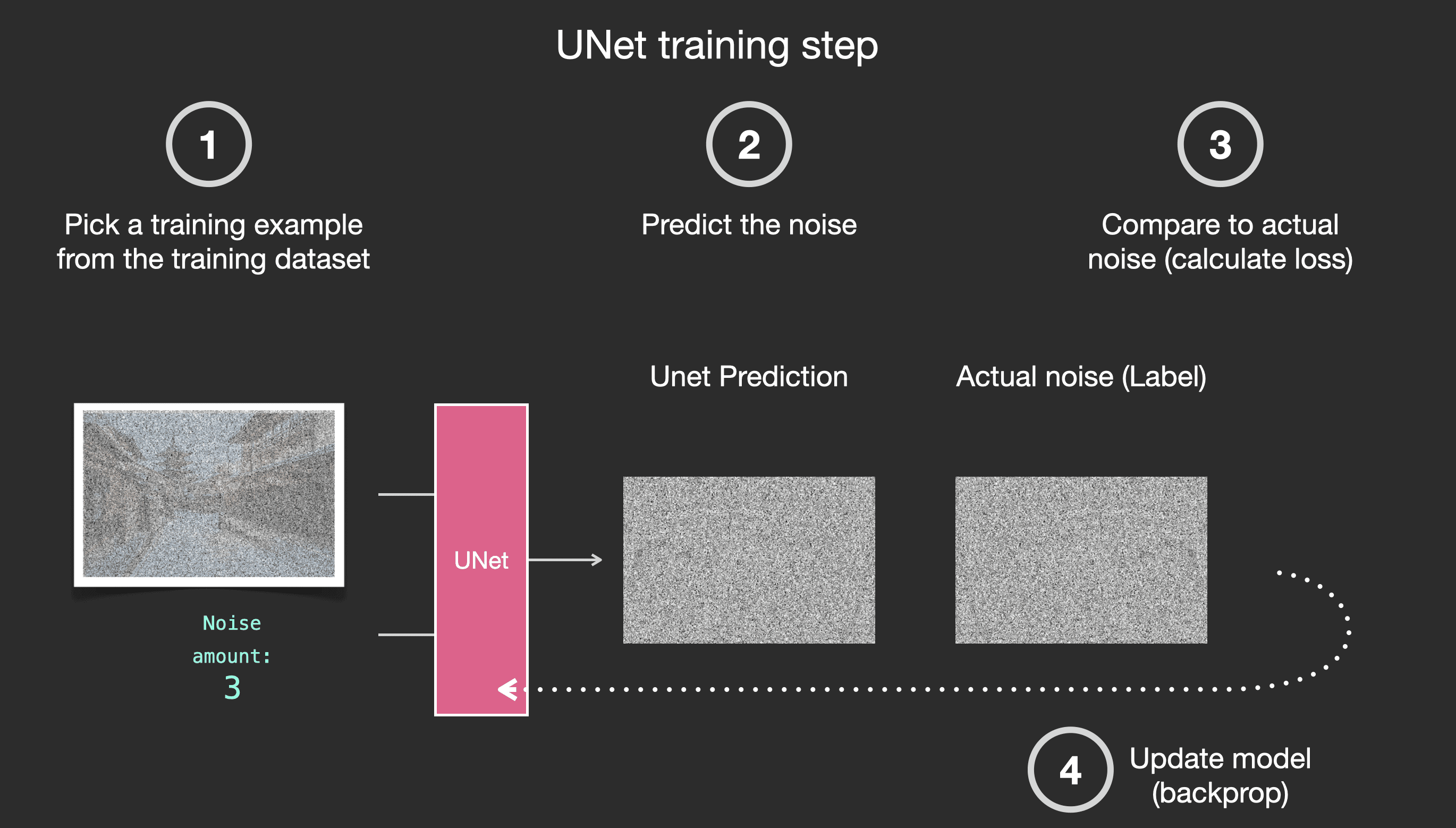
At a high level, training a LoRA looks like this:
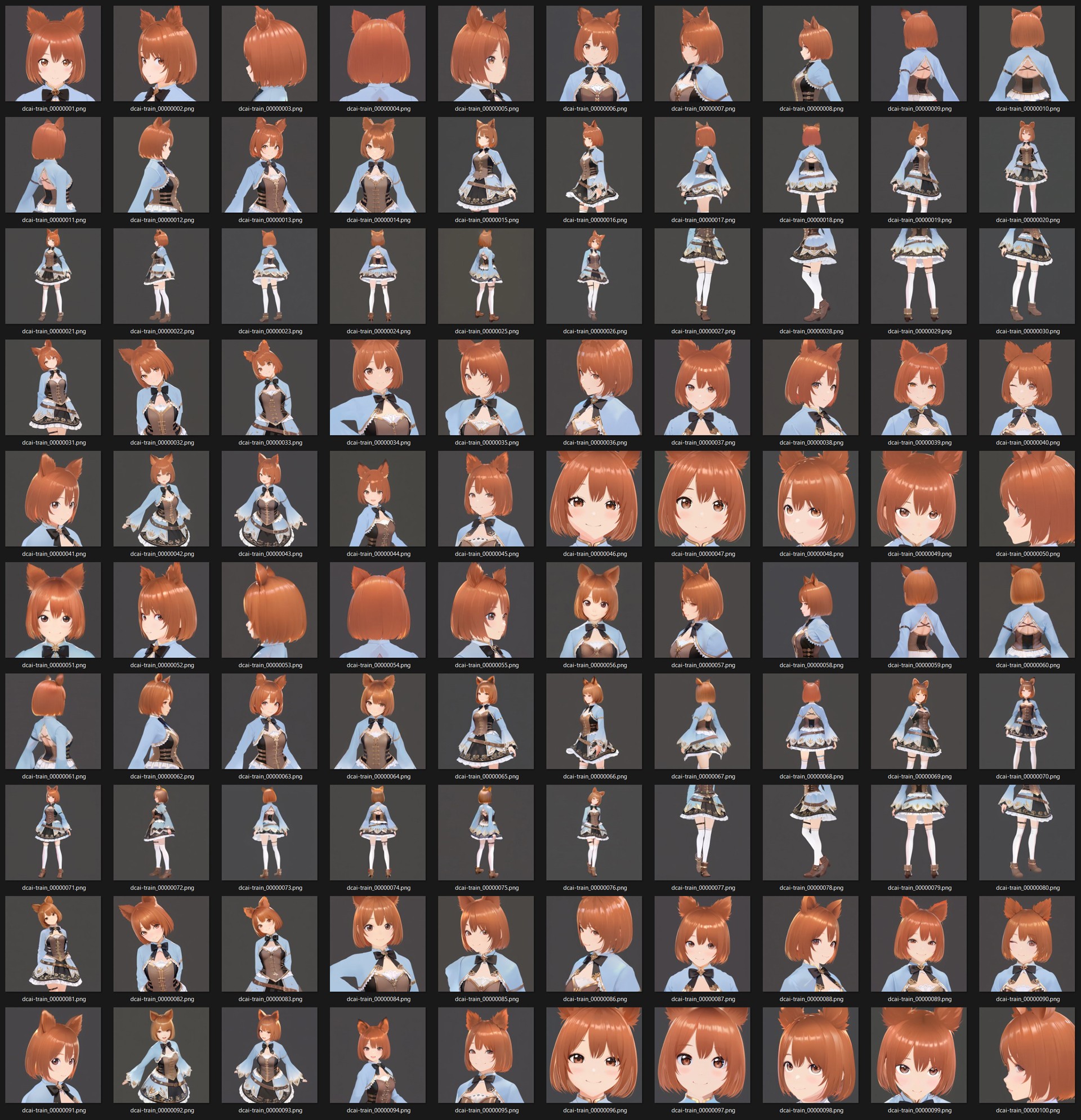
You collect example images
You pair them with captions
The model learns how your images differ from the base model
Those differences are saved as a LoRA file
Important:
The base model stays untouched. The LoRA is a separate layer.
Preparing a Good Training Dataset
This step matters more than any setting.
Image Count (General Guidelines)
Style LoRA: 20–50 images
Character / face: 15–30 images
Product: 20–40 images
More images ≠ better results if they’re inconsistent.
Image Quality Rules
Same style, not “similar”
Similar framing and lighting
No watermarks
Avoid wildly different colour grading
If you’re training a style LoRA, do not mix:
Illustration + photorealism
3D + flat vector
Studio + outdoor lighting
Pick one lane.
Captioning (Don’t Skip This)
Captions tell the model what matters.
A simple caption structure works well:
Avoid:
Overly long captions
Emotional language
Irrelevant adjectives
Consistency is more important than poetic detail.
How to Train a LoRA (Tool Overview)
Most people train LoRAs using tools like:
Kohya GUI
Cloud trainers
Custom scripts
The exact UI differs, but the key settings you’ll always see are:
Base model (e.g. SD 1.5, SDXL)
Learning rate
Network rank (dim)
Steps / epochs
As a beginner:
Use recommended presets
Don’t chase “perfect” settings
Focus on dataset quality
Bad data cannot be fixed with good settings.
Using LoRAs in ComfyUI
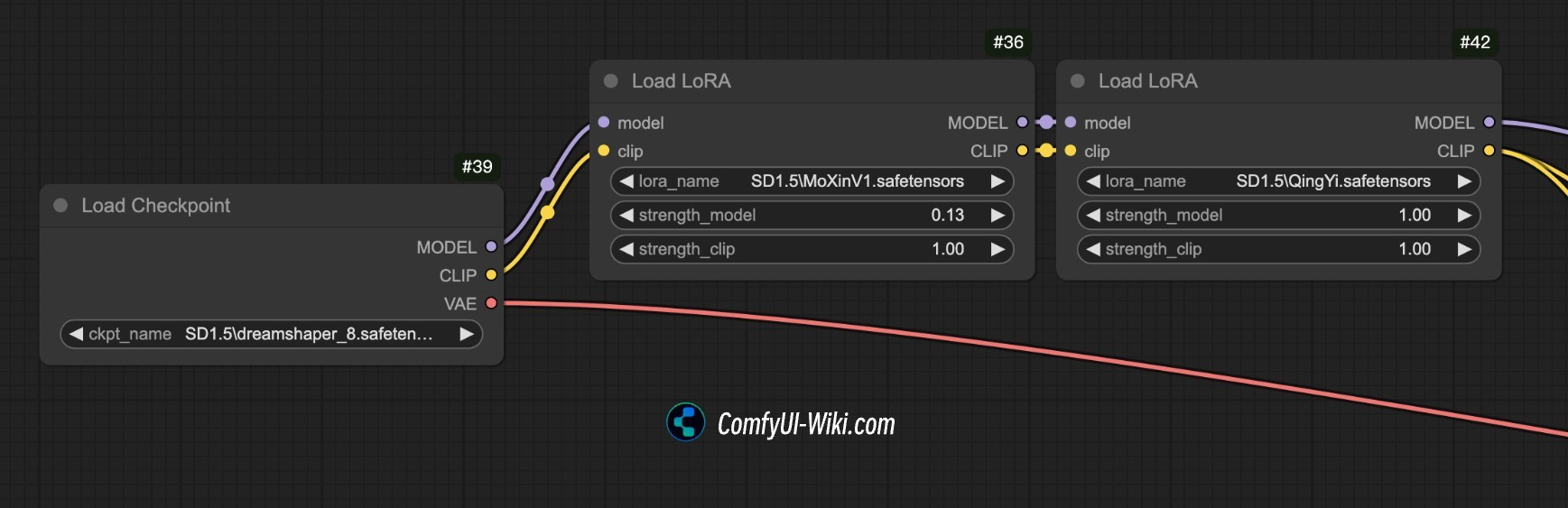
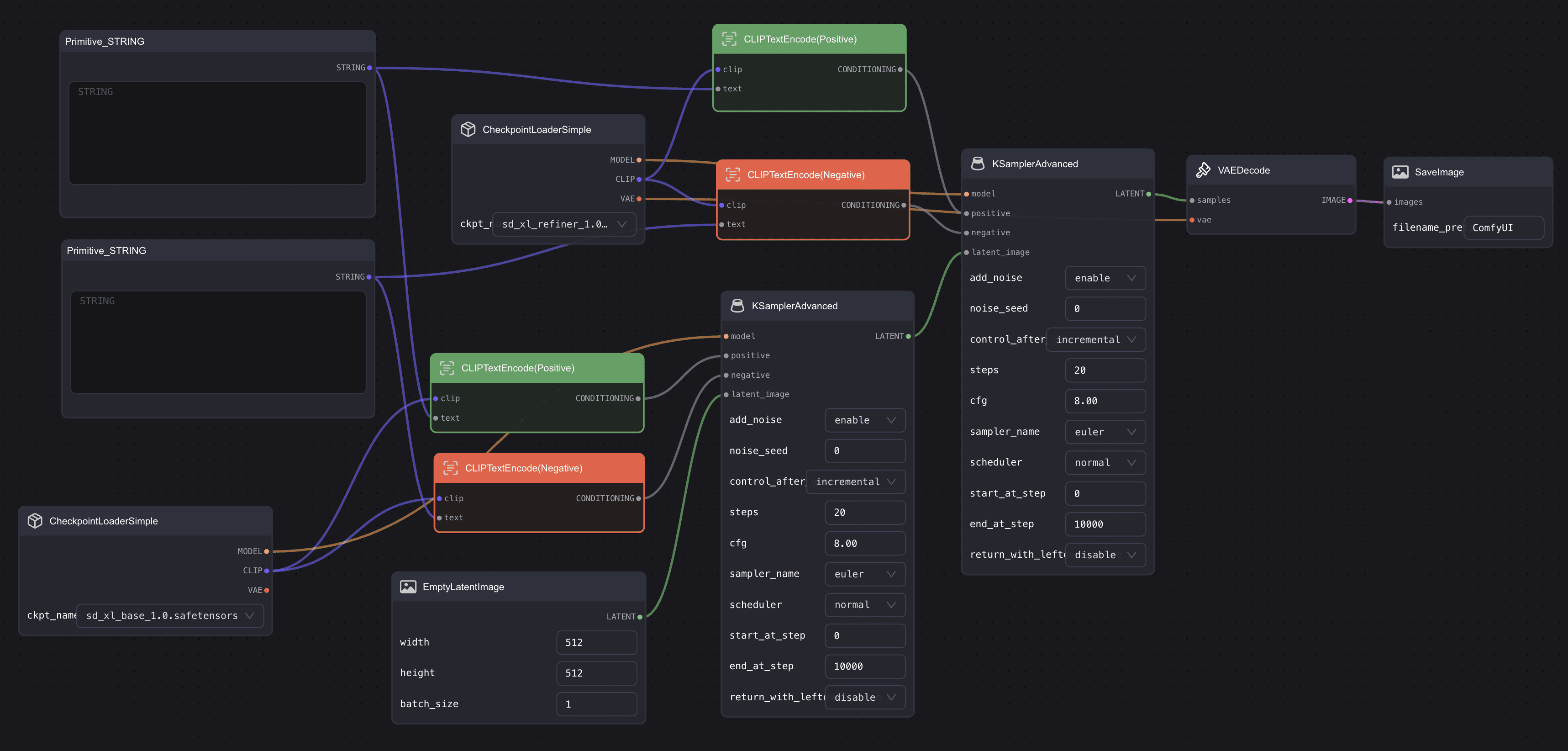
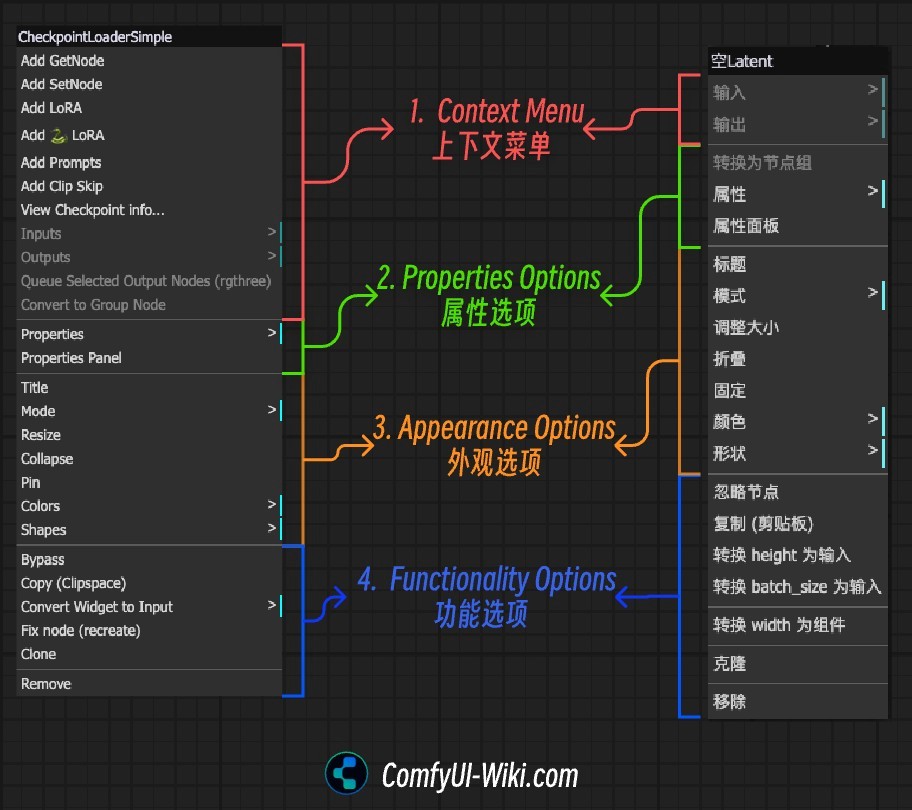
ComfyUI treats LoRAs as nodes, which makes them extremely flexible.
Basic Workflow
Load your base checkpoint
Add a LoRA Loader node
Select your LoRA file
Set strength values
Connect it into your model path
That’s it.
Understanding LoRA Strength
Most LoRAs have two sliders:
Model strength
Clip (text) strength
General starting point:
If results look:
Too weak → increase strength
Overcooked or messy → lower strength
Repeating artefacts → lower slightly
More strength is not always better.
Prompting With LoRAs
LoRAs usually respond to trigger words used during training.
Example:
Some LoRAs:
Work without trigger words
Work better with them
Break if over-prompted
If a LoRA starts overpowering everything, reduce:
Prompt weight
LoRA strength
Or both
Common Beginner Mistakes
Training with mixed styles
Using too many LoRAs at once
Running LoRAs at 1.2+ strength
Expecting a LoRA to fix a bad base model
Over-captioning images
A LoRA enhances a model — it doesn’t replace fundamentals.
Best Practice Workflow
For reliable results:
Choose a strong base model
Use one LoRA at a time initially
Dial strength before changing prompts
Save working ComfyUI graphs
Version your LoRAs clearly
Treat LoRAs like design assets, not magic buttons.
Final Thoughts
LoRAs are one of the reasons AI image generation is so powerful right now. They give you:
Control
Consistency
Reusable style systems
Once you understand them, you stop “prompt gambling” and start designing outcomes.
If you’re building repeatable workflows, style libraries, or client-ready assets — LoRAs are essential.