More posts
/
/
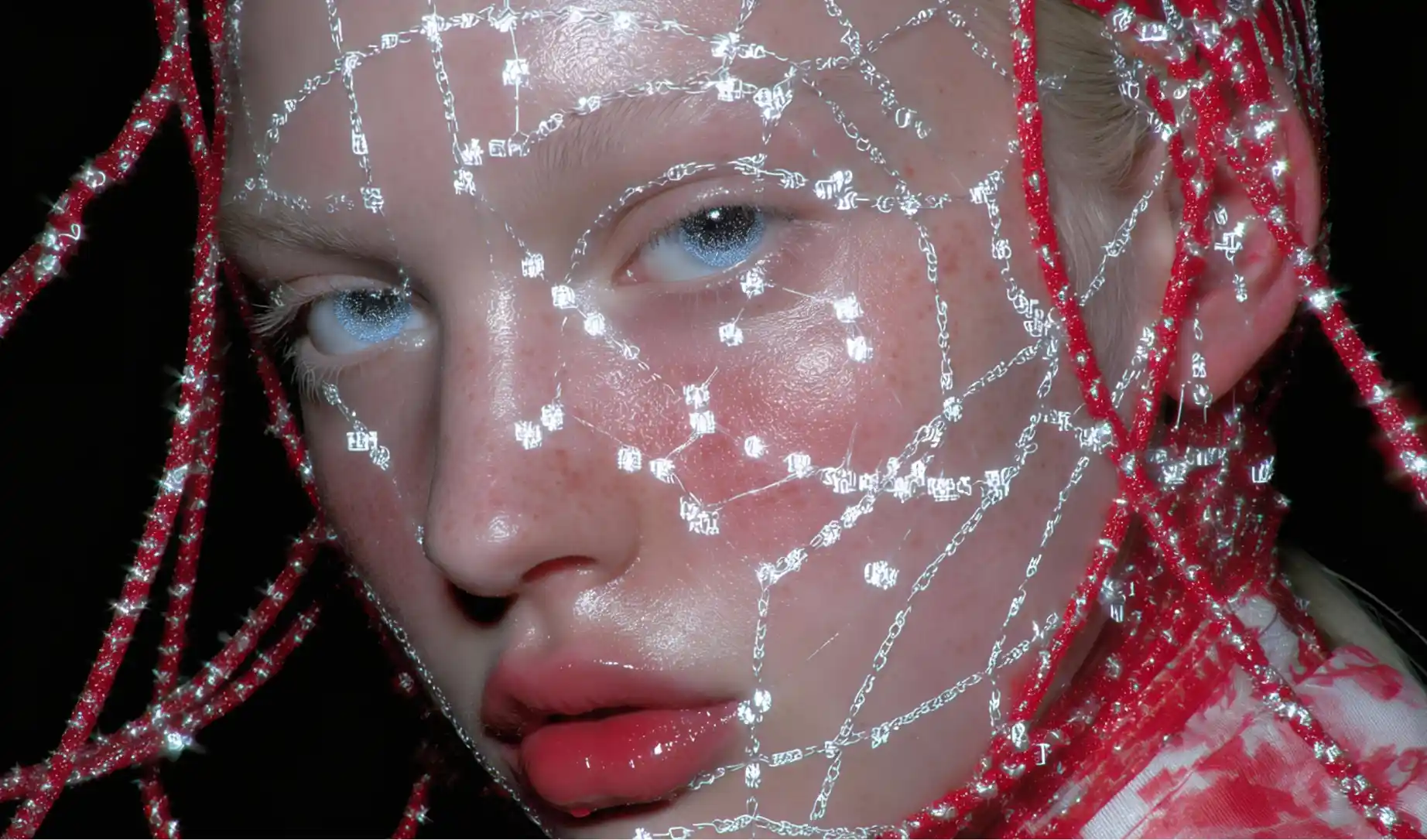
AI UGC creators are synthetic “people” (or creator personas) that can produce user-generated style content: selfie-style product reviews, unboxings, reaction clips, TikTok-style voiceovers, testimonial ads, and “day in the life” brand integrations.
The shift is simple: brands want UGC volume + speed + iteration, but real-world creator pipelines are slow, inconsistent, and expensive to scale. AI UGC turns that into a system.
Why they’re the future (and why brands will adopt fast)
1) Infinite variations without rebooking talent
Once a brand has 3–10 reliable AI creator personas, they can spin endless versions of:
Hooks (first 2 seconds)
Angles (benefit-led vs story-led)
Formats (testimonial, unboxing, “3 reasons why…”, comparison)
Target demos (different ages, accents, tones, wardrobe styles)
That’s paid social performance fuel: iterate until the winners show up.
2) Consistency becomes a product
Traditional UGC quality varies wildly per creator, per day. AI creators can be:
On-brand every time (lighting, framing, tone, wardrobe)
Updated instantly (new packaging, new claims, new CTA)
Localised at scale (languages, region-specific references)
3) Brands can run “always-on UGC”
Instead of “campaigns”, brands move to content engines. AI UGC fits this perfectly because it’s repeatable and systemised.
4) It plugs into the platforms brands already use
Google is actively pushing creator-style generation into mainstream distribution (for example, Veo updates integrating into Gemini and YouTube workflows).
Benefits of AI UGC creators (for brands)
Lower cost per concept: test 50 hooks for the price of one traditional shoot.
Speed: launch creatives same-day, not next week.
Performance iteration: rapid A/B testing across audiences.
Production control: fewer “creator surprises”.
Asset longevity: personas become long-term brand assets.
Practical note: brands will still use real creators, but AI creators will dominate the “volume game” where speed and iteration matter most.
Why AI creatives should learn this now
If you can build reliable AI UGC workflows, you’re not “making videos”, you’re building a content supply chain.
In the next 5–10 years, a realistic opportunity is:
Managing libraries of AI creator personas
Generating hundreds of ads per month
Offering subscription creative output to DTC brands, agencies, and ecom teams
Automating localisation and versioning (language, offers, seasonal updates)
The moat is not the tool. The moat is the workflow:
Consistent character generation
Repeatable shot types
Prompt systems that don’t drift
A reliable “make 50 variations” pipeline without quality collapse
Best models for AI UGC creator images (and why Nano Banana Pro is currently the best)
Nano Banana Pro (your hero model)
Nano Banana Pro is positioned as Google’s pro-grade image generation + editing model inside Gemini, with precise editing controls and high quality output.
For AI UGC creators specifically, it shines because you can:
Lock a face and keep identity stable while changing outfits, backgrounds, props
Do “creator style” framing consistently (selfie, handheld, bedroom, car, kitchen)
Iterate fast without the “random face drift” that kills UGC continuity
Google also highlights its broad deployment across products, which usually correlates with strong reliability and scaling support.
Seedream (your realism + texture foundation)
Seedream 4.5 is explicitly positioned around reference consistency (preserving facial features, lighting, tone) which is exactly what you need for believable recurring personas.
The Art Input workflow: Seedream + Nano Banana Pro model stack
This is the stack you described, and it’s the one I’d teach first because it’s simple, scalable, and reliable.
Step 1: Build your “hero identity” in Seedream
Goal: a single clean portrait that becomes your creator’s source-of-truth.
Prompt tips:
Keep it realistic, neutral lighting, clean background
Avoid extreme angles
Generate 10–20 options, pick the most “brand safe” face
Why Seedream first?
You’re using it to get that high-end realism + skin texture base with strong identity anchoring.
Step 2: Move to Nano Banana Pro for UGC scene-building
Upload the hero portrait and prompt for UGC contexts:
“Selfie video frame in a bathroom mirror”
“Sitting in a car, natural daylight, holding product”
“Kitchen counter unboxing shot, phone camera look”
This is where Nano Banana Pro earns the “best right now” status for UGC workflows because it’s built for high control image generation/editing.
Step 3: Create a repeatable shot list (your UGC “camera pack”)
Make 12–20 repeatable shot prompts you reuse forever:
A-roll: direct-to-camera testimonial
B-roll: hands, product closeups, packaging, usage
“UGC realism”: phone camera compression, imperfect framing, natural light cues
Step 4: Upscale for crisp realism (Magnific or Topaz)
Magnific is designed for upscaling + enhancement with controllable “reimagined detail” (great when your base image is close but needs that final premium polish).
Topaz Video / Topaz tools are great when you need faithful sharpness, noise reduction, and clean upscaling to 4K delivery formats.
Rule of thumb:
If you want “add premium micro-detail”: Magnific.
If you want “cleaner, sharper, faithful”: Topaz.
Animating AI UGC creators (video generation)
Kling O1 (and newer)
Kling’s O1 is built around multiple input modes including image/element reference, start/end frames, and reference-driven workflows, which are perfect for keeping a creator consistent while animating.
Veo 3.1 for “big boy” outputs (but prompts must be tight)
Veo 3.1 supports high resolution outputs and is positioned for real-world applications, with controls for resolution and higher cost at higher settings.
It’s also pushing “ingredients/reference” style creation which is very aligned with UGC pipelines that reuse characters and sets.
Practical guidance:
Use Veo when you need maximum coherence and polish
Keep prompts structured, because you pay for indecision
The real business opportunity: “UGC creator farms”
If you can automate:
10 consistent AI creator personas
20 repeatable shot types each
10 hook frameworks per product
You can generate 2,000+ ad variations without reinventing the wheel.
That becomes a sellable product:
Monthly content subscription
Performance creative testing package
Localisation at scale
Always-on creative ops for DTC brands
Big caution (important if you want brands to trust it):
Be transparent when content is AI-generated where required
Use brand-safe claims, no fake medical promises
Never clone a real person’s likeness without explicit permission
Video models list (current major options) and what they’re best at
This isn’t literally every video model on earth, but it’s the main set creators and teams actually reach for right now:
Kling O1: reference-driven creation and flexible workflows (image/element reference, start/end frames) for consistency.
Google Veo 3.1: high-end cinematic output, strong coherence, supports higher resolutions (more expensive at higher settings).
OpenAI Sora 2: flagship “realism + controllability” with synced audio (where available).
Runway (Gen-3 / Gen-4.5): strong all-round creative toolkit with production-style controls and workflows.
Luma Dream Machine (Ray3 + Ray3 Modify): excellent for performance-led workflows and modifying real footage with character reference.
Adobe Firefly Video Model: brand/commercial-friendly positioning, good for b-roll, safe creative pipelines inside Adobe ecosystem.
Pika (Pikaformance / Pika 2.0): expressive, social-native content, strong “ingredients” style workflows for injecting assets.
MiniMax Hailuo (S2V / subject reference): character consistency from a reference image for recurring personas.
PixVerse (v4.5+): fast, effect-heavy social formats, good for trend-driven outputs and quick experiments.
Stability AI (Stable Video Diffusion / Stable Video 4D): open ecosystem building blocks, good for teams who want custom pipelines and control.
Kaiber: creator-friendly storyboard-style workflows, good for music/reactive visuals and quick edits.
Haiper: experimentation-friendly, useful for quick image-to-video tests and creative iterations.