More posts
/
/
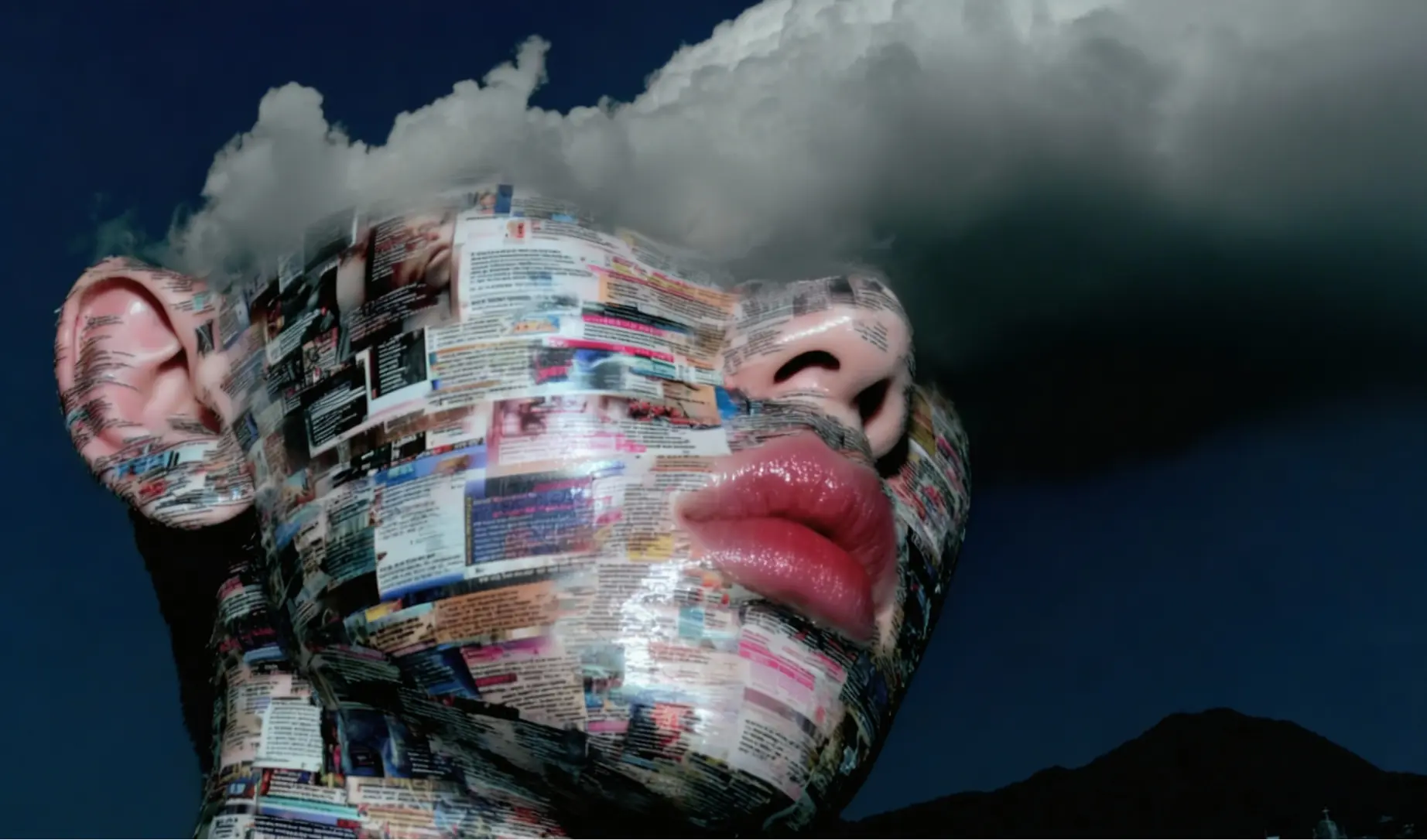
One of the biggest differences between random, lottery-style generations and repeatable, professional results is language.
Not creativity.
Not luck.
Precision.
If you want AI models to behave like real creative tools (not slot machines), you must speak to them using the same professional terminology used in photography, cinematography, and production.
This guide breaks down why that matters and how to do it properly.
Vague Prompts Create Vague Results
Most inconsistent outputs come from prompts like:
“Cool cinematic shot of a person, nice lighting, professional camera”
This sounds fine to a human — but to a model, it’s extremely vague.
There’s no:
Lens definition
Camera position
Perspective control
Lighting logic
Motion intent
So the model guesses.
Every time.
That’s why you get one decent result, then 20 unusable ones.
Professional Language = Predictable Outcomes
When you use industry-standard terms, you’re doing two things:
Constraining the model’s choices
Locking in visual rules
Example upgrade:
“Medium close-up portrait, 85mm lens, shallow depth of field, eye-level camera, soft key light camera-left, subtle rim light, studio backdrop”
Now the model knows:
How wide the scene is
How compressed the face should be
Where the camera sits
How light wraps the subject
You’ve turned randomness into structure.
Camera Lenses Define Aesthetic (Not Just Zoom)
Lens choice is one of the most important — and most ignored — prompt components.
Why lenses matter:
24mm–35mm → wide, environmental, dramatic perspective
50mm → natural, balanced, editorial
85mm–105mm → compressed, flattering, premium portrait look
If you don’t define the lens, the model invents one.
That’s why faces warp, proportions shift, and consistency breaks.
Rule:
If you care about aesthetics, always define focal length.
Angles Control Power, Mood, and Intent
Camera angle is storytelling.
Eye-level → neutral, honest, editorial
Low-angle → dominant, heroic, imposing
High-angle → vulnerable, observational
Bird’s-eye → graphic, abstract, design-led
Leaving this out forces the model to randomly decide narrative intent.
Professionals don’t do that.
Neither should your prompts.
Camera Models Help Lock Visual Character
Specifying a camera model can subtly guide:
Dynamic range
Colour response
Sharpness vs softness
Sensor “feel”
Examples:
“Shot on full-frame DSLR”
“Cinema camera aesthetic”
“Medium format look”
This isn’t about realism alone — it’s about visual flavour.
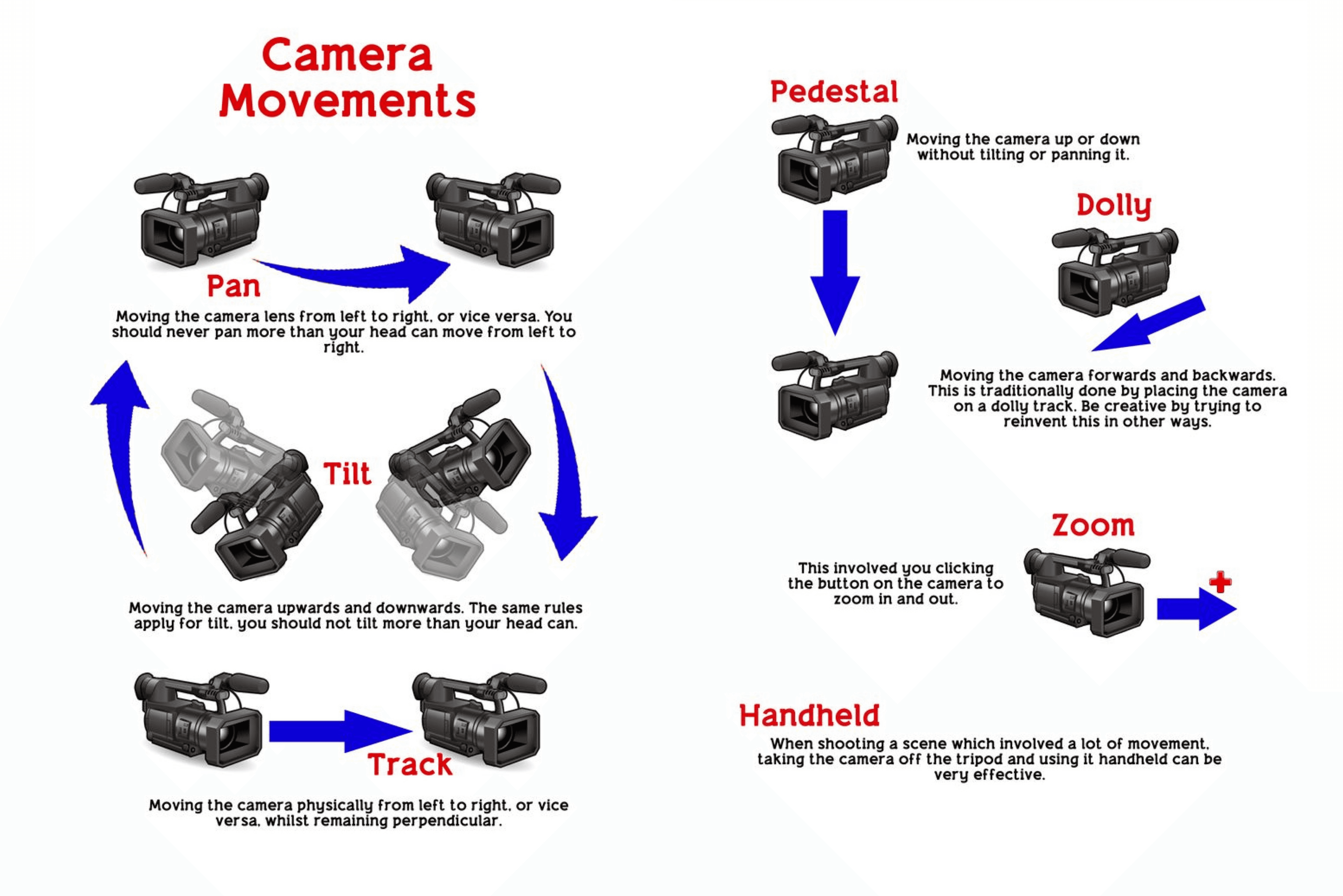
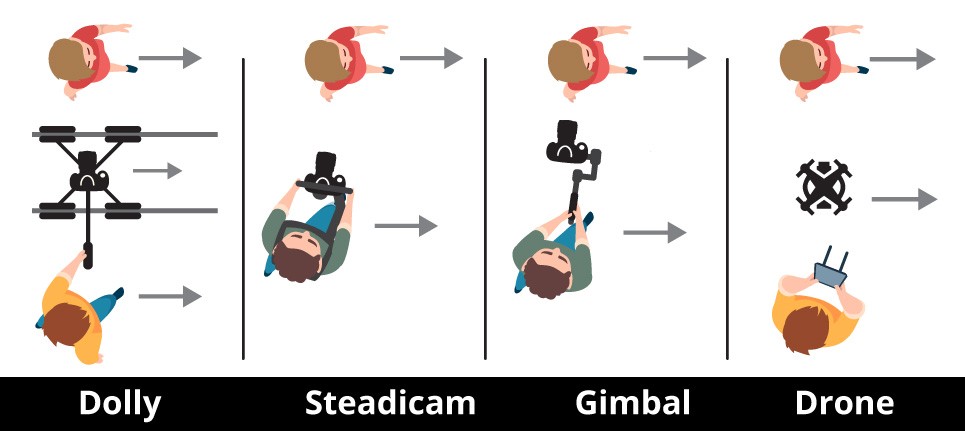
Video Models Demand Real Film Language
Video models are especially sensitive to terminology.
This is where most people fall apart.
Bad:
“Camera moves back slowly”
Professional:
“Slow dolly out”
Bad:
“Camera moves around subject”
Professional:
“Arc left around subject, constant radius”
These phrases come from real film sets — and video models are trained on that logic.
When you say:
Dolly in / dolly out
Pan left / pan right
Tilt up / tilt down
Arc left / arc right
Tracking shot
You’re not being fancy.
You’re being clear.
Clear prompts = stable motion + usable clips.
Why This Creates Consistency (Not One-Offs)
Random prompts produce one lucky frame.
Professional prompts produce:
Repeatable framing
Controlled perspective
Matching shots across generations
Stackable workflows across models
This is how you:
Build style systems
Generate asset libraries
Deliver client-ready outputs
Scale AI design beyond “cool experiments”
Consistency is not a model problem.
It’s a language problem.
Pro Tip: Use AI to Learn the Language
You don’t need to be a cinematographer to prompt like one.
You can:
Ask AI to explain camera terms
Convert vague prompts into professional language
Learn why certain terms create certain looks
You can also use the Art Input bots to:
Translate natural language into pro terminology
Structure complex prompts properly
Lock visual consistency faster
👉 https://www.artinput.ai/bots
Think of them as prompt translators between ideas and industry language.
Final Takeaway
If you want:
Fewer wasted generations
More consistent results
Outputs that feel intentional, not accidental
Then stop prompting like a casual user and start prompting like a professional.
Models don’t need more creativity.
They need better instructions.
Language is the lever.