More posts
/
/
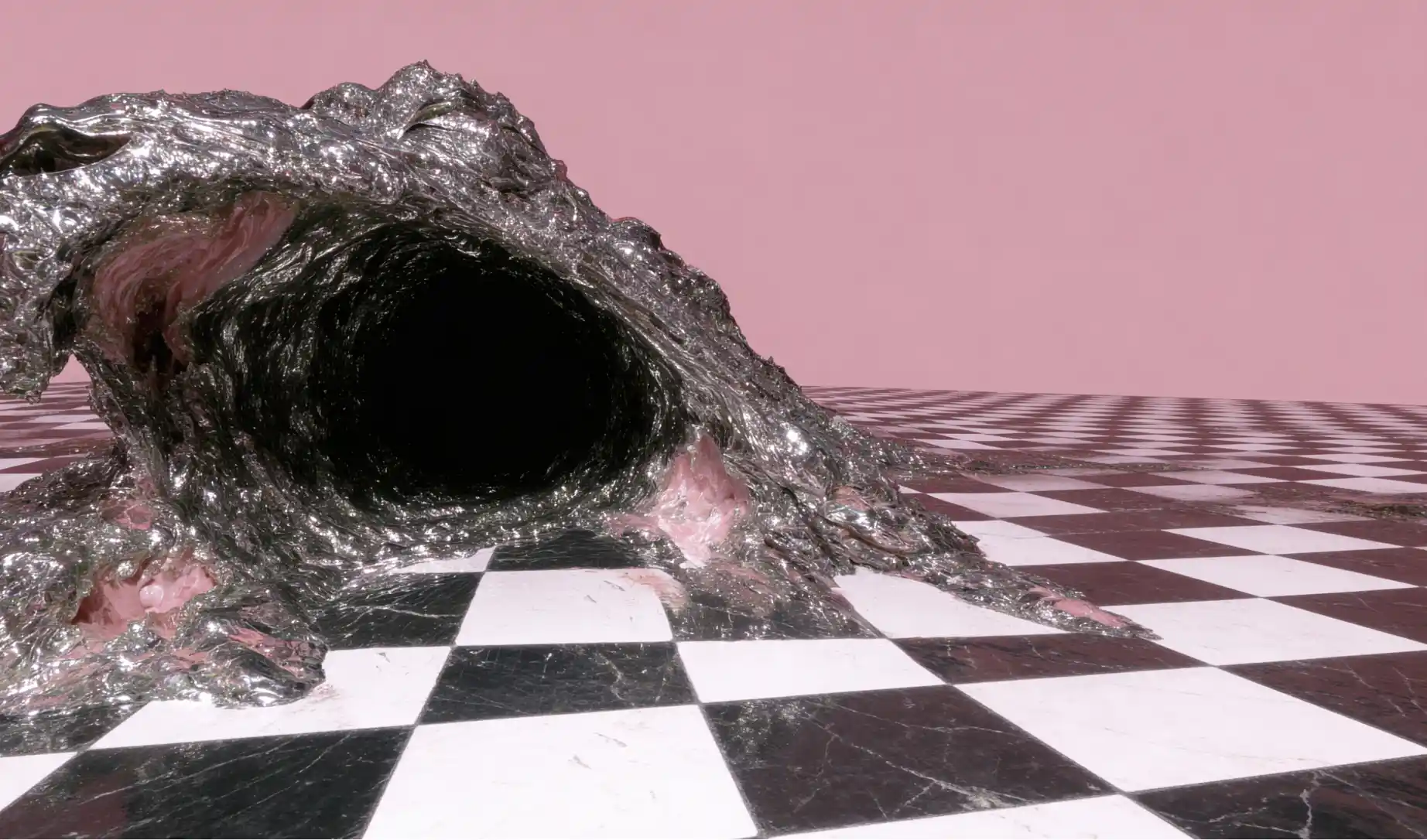
“SLOP” isn’t just “bad AI art.” It’s the default output you get when the model is forced to guess. It looks like:
Vague art direction → generic compositions, random styling, “AI smoothness”
Conflicting instructions → messy lighting, strange anatomy, inconsistent materials
No constraints → the model fills gaps with stereotypes, stock-photo tropes, over-rendering
No design intent → nothing feels authored, curated, or chosen
Beautiful work feels directed. Slop feels generated.
The Non-Negotiable Formula: Taste + Terminology + Framework + Iteration
1) Your personal taste and design eye
Your taste is your filter. It decides:
what’s allowed in the image
what’s off-brand (even if it’s “cool”)
what to simplify, what to emphasize
where the focal point is, and why
Taste is expressed through constraints. If you don’t provide constraints, the model will. And it will usually choose the most average version of the idea.
How to inject taste fast
Pick one clear intention: “premium editorial realism” vs “stylized cinematic fantasy”
Lock one reference anchor: lens language, lighting style, material language, era, art movement
Decide what you’re NOT doing: no glossy, no HDR, no plastic skin, no oversharpening, no chaotic backgrounds
2) Prompting skill (clarity beats length)
Long prompts don’t stop slop. Clear prompts do.
SLOP prompts are usually:
“make it cinematic” (but no camera, no lighting, no mood, no scene logic)
“ultra realistic” (but no texture targets, no lens, no exposure intent)
“high detail” (detail where? on the subject? environment? materials? microtexture?)
Crafted prompts behave like a creative brief:
Subject (what)
Scene logic (where/why)
Composition (how it’s framed)
Lighting (how it’s revealed)
Materials + texture (what it’s made of)
Mood + story (what it feels like)
Quality constraints (what to avoid)
3) Terminology: stop speaking “vibes,” start speaking “direction”
The difference between slop and craft is often one layer of professional specificity.
Instead of:
“nice lighting” → three-point lighting, rim light, Rembrandt, high-key/low-key
“cool angle” → low-angle, overhead, shoulder-level, Dutch angle
“make it realistic” → editorial photography, natural skin texture, subtle grain, soft falloff, lens choice
You already have a huge advantage if you use real creative language consistently—camera angles, lighting setups, design aesthetics, and ad composition are exactly the kind of “direction words” that stop models from guessing.
report
A Proper Framework for “Non-Slop” Prompts
Use this every time (especially for characters + environments):
Step 1: Intent (1 sentence)
What is this for?
key art, poster, brand hero, concept frame, product shot, cinematic still, character sheet
Step 2: Subject (specific, not generic)
Who/what it is, age/range, silhouette, defining features, wardrobe logic, props
Step 3: Environment with story logic
Location, era, weather, time of day, what’s happening in the space
Add 1–2 “truth details” (small specifics that make it authored)
Step 4: Composition + camera
Shot type (close-up / medium / wide)
Camera angle (overhead, low-angle, etc.)
Lens language (wide vs portrait feel)
Depth of field intention (subject separation vs documentary clarity)
Step 5: Lighting (be explicit)
Pick one lighting “system”:
three-point, Rembrandt, high-key, low-key, rim lighting, overcast diffused daylight, neon practicals
Step 6: Materials + texture targets
This is where most slop hides.
skin: pores, natural specular, no waxiness
fabric: weave, stitching, weight, drape
surfaces: roughness, micro-scratches, dust, wear patterns
environment: believable scale + material consistency
Step 7: Color + mood control
palette direction (muted neutrals, jewel tones, monochrome)
contrast level (soft rolloff vs punchy)
atmosphere (haze, fog, clean air, particulate)
Step 8: Constraints (anti-slop)
Write what must NOT happen:
no plastic skin, no over-smoothing, no extra fingers, no random text, no cluttered backgrounds, no hyper-HDR, no oversharpening
Characters: How to Make Them Feel Crafted, Not “AI Pretty”
Common slop symptoms
same face syndrome
overly symmetrical features
“beauty filter” skin
noisy costume details that don’t mean anything
Fixes
Define a silhouette (tall/compact/angular/soft)
Give 2–3 identity anchors (scar placement, hairstyle structure, signature garment, color accent)
Specify skin rendering rules (natural texture, subtle imperfections, realistic specular)
Add behavior (posture, gesture, action), not just appearance
Pro move: write one line that explains why they look like that.
“utilitarian wardrobe built for cold rain and long travel”
“formal uniform with worn edges from years of service”
Story logic kills slop.
Environments: How to Avoid “Random Pretty Background”
Common slop symptoms
detail everywhere, focus nowhere
lighting that doesn’t match the scene
scale errors (doors/windows/objects feel wrong)
textures that look airbrushed or procedural
Fixes
Choose a focal hierarchy: foreground hero, midground action, background context
Pick one dominant material family (stone + bronze, glass + steel, wet concrete, sanded wood)
Describe atmosphere (haze, fog, dust, rain diffusion) to unify everything
Add human-scale cues (rails, signage, wear, footprints, cables) to lock realism
The Fast Diagnosis: “Why Does This Look Like Slop?”
When an image fails, it’s usually one of these:
Prompt symptoms (your inputs)
too many styles mashed together
missing camera + lighting info
no constraints / no negatives
no material targets
Model symptoms (tool limitations)
hands/typography struggling
inconsistent faces across scenes
certain aesthetics fighting the model’s biases
Rule: If the model keeps failing the same way after you tighten direction, switch models or stack workflows. Don’t brute-force a weak fit.
A Practical “Anti-Slop” Workflow You Can Run Every Time
Draft prompt with framework (8 steps)
Generate 8–16 variations (don’t marry the first output)
Select 1 direction (circle what’s working: lighting? face? environment?)
Re-prompt with fewer variables (double down on what worked)
Lock character consistency (repeat anchors, reduce randomness)
Finalize with constraints (clean background, remove artifacts, sharpen intent)
Do one polish pass (upscale, microtexture, color discipline)
Craft comes from selection + iteration, not one perfect prompt.
Conclusion: How to Fix Taste, Terminology, and Framework (For Real)
If you want to stop making slop, fix these three areas in order:
Taste (your filter)
Build a tiny personal “taste bible”: 3 aesthetics you love, 3 you refuse, 5 recurring traits (lighting, palette, composition, texture)
Every prompt should enforce that bible through constraints
Terminology (your language)
Stop using vibe words as primary direction
Replace them with professional controls: camera angle, lens feel, lighting system, material language, design movement
Framework (your repeatable system)
Never prompt freestyle when stakes are high
Use the same prompt structure every time, so handoff and iteration are predictable
If you do those three consistently, your outputs stop feeling “AI generated” and start feeling art directed—because they are.